
Prepare a fight that changes
Plan an opening phase and later thresholds. Transformations and escalating abilities give the confrontation a visible progression instead of asking one attack to carry the entire finale.
Make the finale worth preparing
Prepare phases, abilities, warnings, counters and goals for your next boss battle. Refine the encounter before the first initiative roll.
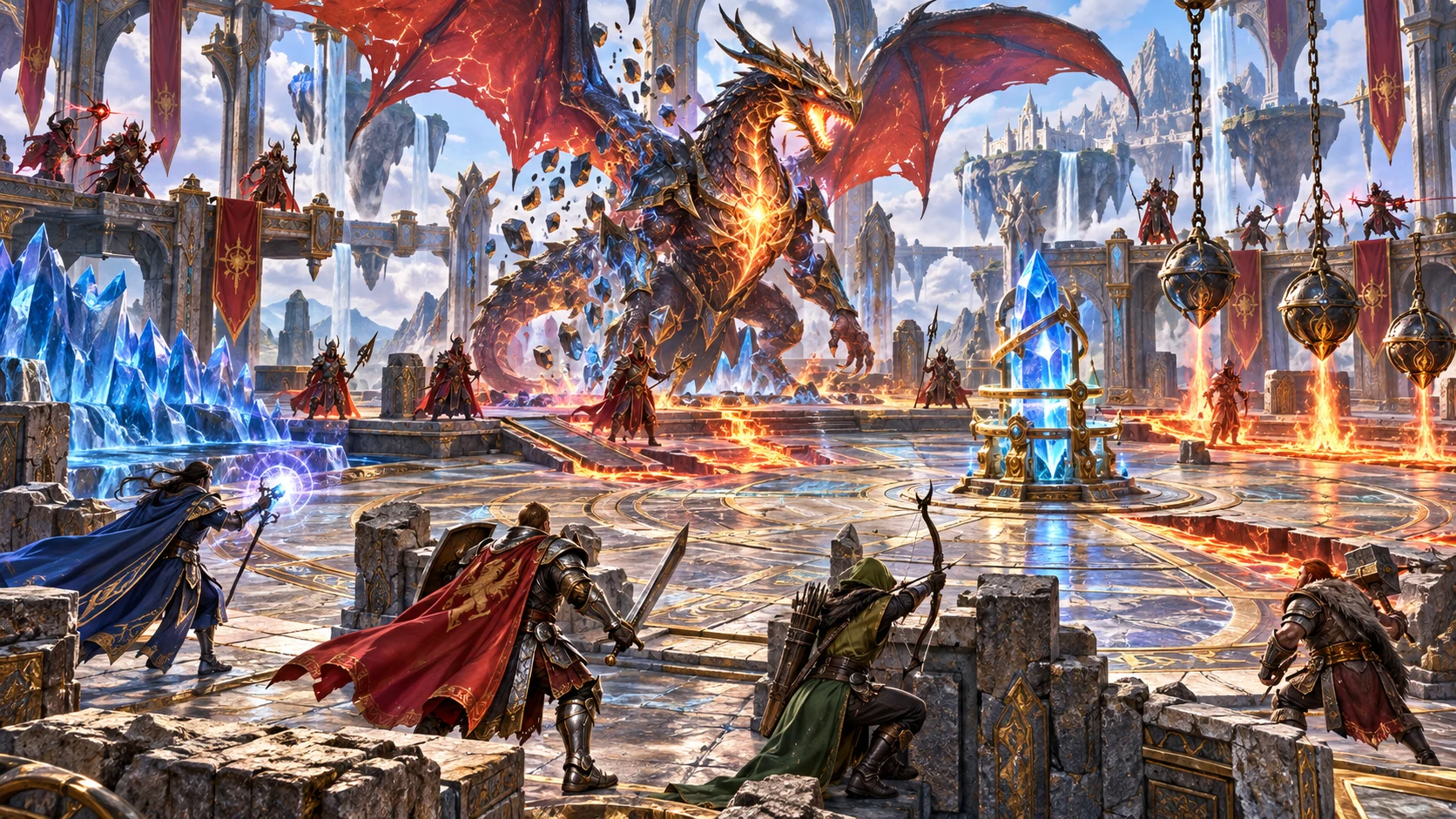
A confrontation, not just a creature
Bring the boss, its abilities, the arena and the party’s purpose into one reviewed encounter. Build material you can adapt to your own map, players and rules.
Plan an opening phase and later thresholds. Transformations and escalating abilities give the confrontation a visible progression instead of asking one attack to carry the entire finale.
Each phase pairs an ability with warning and counter text. Show players what is coming and review how their actions can respond. Your rules and arena decide whether that response works.
Use a dominant boss position, a protected route to a control and an unstable edge as starting zones. Review hazards, cover and destructible notes with the map you actually use.
Include goals, alternate victory, retreat, surrender and aftermath. The boss can be a story turning point, not simply a profile that disappears when hit points reach zero.
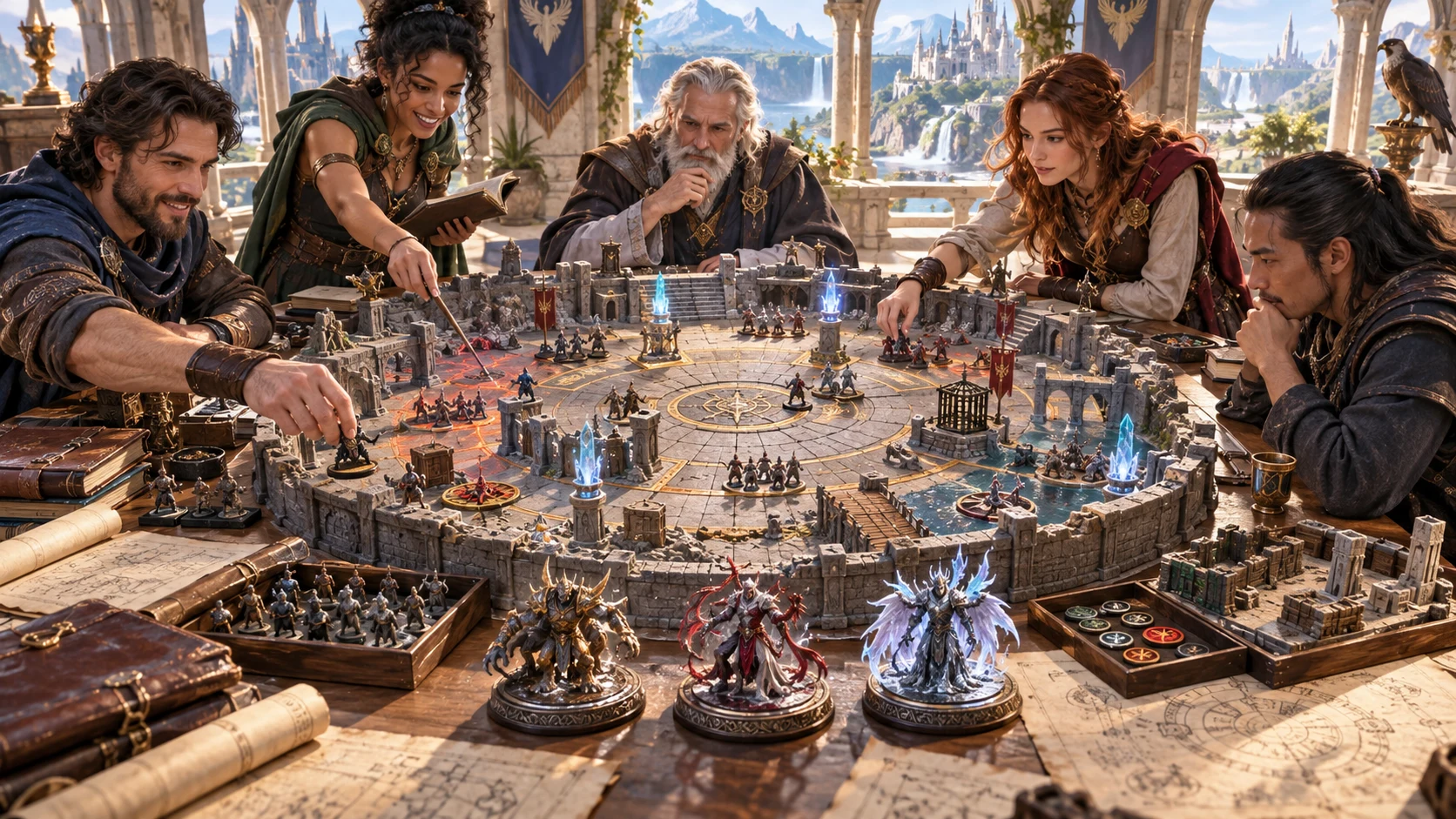
A better brief before play
Connect phase changes, a visible weakness and arena interactions. Give the party reasons to move, interrupt or protect a goal.
Review the preparation with your chosen rules. The generator does not draw a map or simulate the fight.
A practical preparation journey
Start with the essentials, add the details that matter, then check the whole encounter before saving or handing it off.
Choose party size and tier, boss theme and difficulty. Dragon tyrants, undead sovereigns, constructs, fey monarchs, fiends, warlords and eldritch horrors provide different starting identities.
Set phase count, solo or supporting opposition, arena style, environment and damage theme. Add objective, non-kill victory and descriptive pressure choices when they help your scenario.
Read every warning, effect and counter. Edit phase names and ability fields. Lock a useful phase or reroll one, then review the surrounding profile and context.
Save a validated encounter to your account collection. Copy or download the complete JSON, print your notes or send prepared content to Combat PRO with the required separate access.
What comes together
Keep the important preparation in one place. The generator gives you structured material and checks, while you retain the final decisions at the table.
Build an opening confrontation and later HP-threshold phases, each with a transformation, named ability, visible warning, effect and counter. Choose two to five phases.
Change the phase name and its ability name, telegraph, effect and counter directly. Shape the language and response to fit your players and chosen tabletop rules.
Start with a boss position, protected counterplay lane and unstable edge. Hazard, interactive-control and destructible notes help you adapt these zones to your own map.
Prepare a solo boss or a supporting minion group. Review its intended count, role and conditional reinforcement notes before using the encounter at the table.
Prepare primary and secondary objectives, victory and failure notes, a weakness and an optional non-kill route. Add retreat, surrender and a clearly announced final act to the story.
Lock a useful phase or reroll one phase while retaining other phase records. Keep phase count consistent, then review the boss profile and surrounding context after any reroll.
Save validated encounters, search by name, reopen, rename, duplicate and organise by draft, ready or used status. Copy complete encounter data, download JSON or use the system print dialog.
With separate Combat PRO access, send boss and supporting profiles, zones, objectives, pending phase events and configured prompts into a saved encounter. Review before starting live play.
Choose your preparation depth
Use a focused starting brief or expose more choices. Descriptive settings help organise the concept; they are not an automatic simulation of terrain or rules.
Choose party size from one to ten, party tier from one to four, theme, difficulty and seed. Quick hides the deeper controls; it does not create a separate kind of combat runtime.
Choose two to five phases and solo or plus-minions preparation. Add a boss name or reference. Source labels record your reference; they do not retrieve an external stat block.
Choose arena style, environment, damage theme, mobility and magic intensity. The starting arena has three descriptive zones, not a generated geometric map. Review how those notes fit your setting.
Choose the goal, optional non-kill route, time-pressure description and counterplay level. Review the actual reinforcement schedule even when a setting says None; these notes do not execute a countdown.
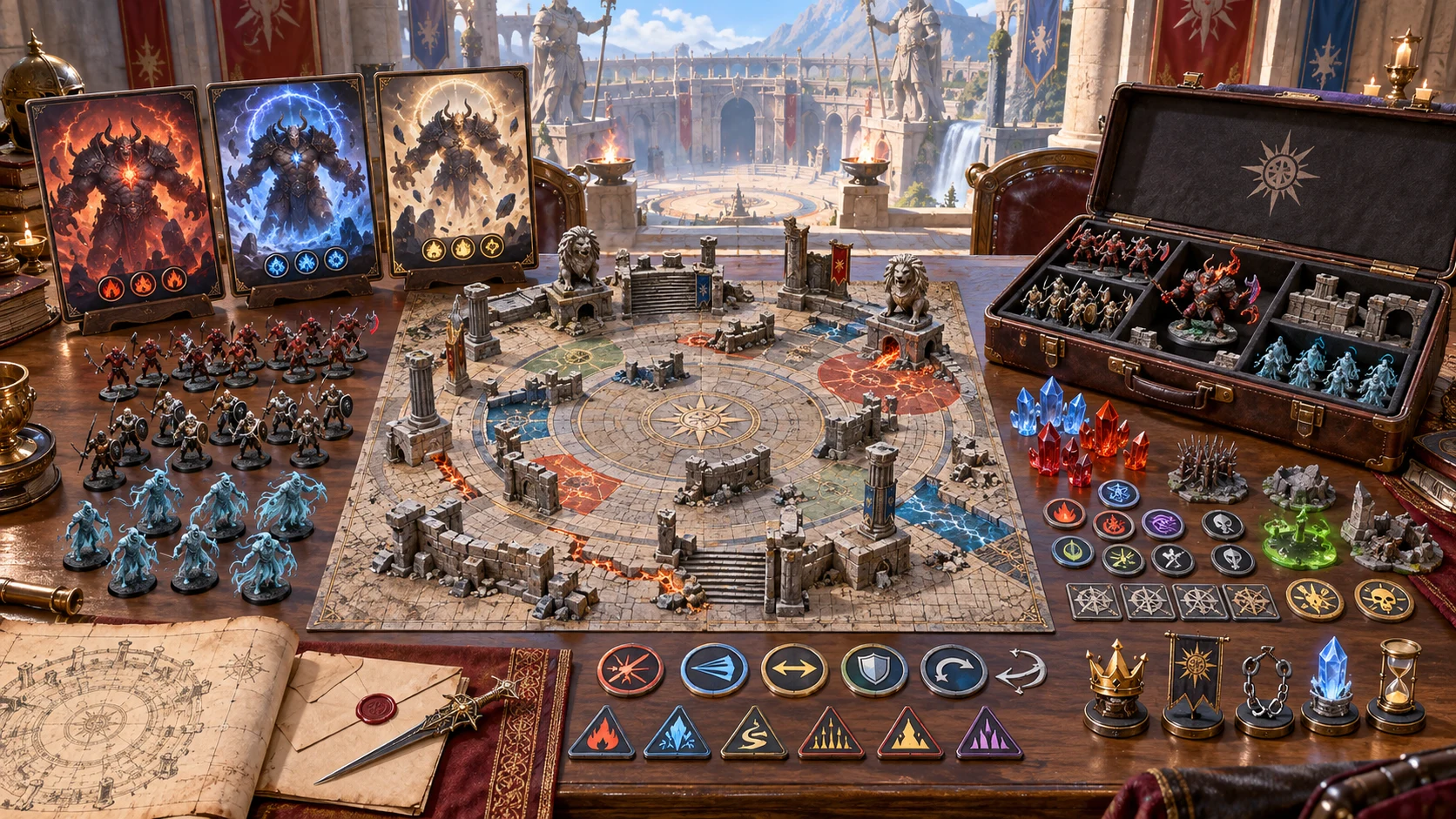
More than a single attack
Organise phase abilities, warnings, counters, arena notes and supporting opposition as one encounter brief.
The artwork illustrates boss preparation. The product creates structured encounter data, not these images or miniature packs.
Keep the useful work
Work deliberately instead of discarding a complete idea whenever one part needs attention. Review related details after changes.
Change the encounter name, phase name and ability name, warning, effect or counter in the visible editor. Validate before saving. This editor is not a complete numerical stat-block builder.
Lock a phase or reroll one while other phase records stay intact. Keep phase count consistent so matching IDs remain present. Top-level material can regenerate; recheck the profile and context.
Save, search by name, reopen, rename, duplicate or delete a saved encounter. Mark it draft, ready or used. Reopening restores the encounter but not every form choice, so review controls before regenerating.
Copy complete encounter data, download structured JSON or print through your system dialog. Saves retain prior records, but the library shows a version count rather than a prior-version viewer. Keep exports you need to revisit.
Clear boundaries make better preparation
Understand what the generator checks and what remains your responsibility, especially before a connected handoff.
Validation checks phase order, descending thresholds, warning and counter text, zone presence and victory text. It does not prove counter reachability, numerical balance or compatibility with every ruleset.
Boss statistics are preparation values and ability damage is descriptive. Difficulty variants are adjustment notes, not separately recalculated battles. Set exact mechanics and rewards for your chosen rules.
With appropriate access, send prepared profiles, zones, objectives, pending phase events, inactive hazard rules and configured prompts. Review supporting group counts in Combat PRO; the handoff does not expand them into individual combatants.
Combat PRO owns live HP, initiative, turns and phase execution. Sending the same encounter again avoids duplicates; it does not automatically replace a prior import with your revisions. Complete exports contain DM material, not a redacted player view.
Choose access for your toolkit
Boss Encounter Generator is a paid standalone preparation tool, not an image-credit plan. Create a free account first, then review your selection and subscription.
Select Boss Encounter Generator as your individual generator. A free account alone does not include paid access.
Use a five-generator pack when you need other eligible standalone tools. The pack buys selection capacity, not image credits or automatic access to every VISINVOKE product.
Review larger selected-generator packs in your account. Choose the capacity and actual generators you need, then check subscription and reselection terms.
Combat PRO, Battlemaps and image systems have their own access models. A standalone generator subscription does not automatically include those products or image and animation credits.

Keep boss phases, ability responses, objectives, arena notes and aftermath together instead of gathering the finale from disconnected pages.
Build a named collection, duplicate a useful concept and keep structured exports. Revisit a preparation when your campaign needs another confrontation.
Start Here and How Do I guidance explain creation, phase refinement, ability editing, lair preparation, counterplay review and optional Combat PRO handoff.
Adapt the output to your party and rules. Structured preparation saves organisation work without claiming to replace your judgement or guarantee an outcome.
Build your tabletop toolkit
Each card opens that product’s own website. Review purpose and access separately; related products do not promise included access or automatic synchronisation.

Discover and open your supported Windows products through one connected VISINVOKE account.

Explore environment packs for tactical locations and the places your encounters unfold.
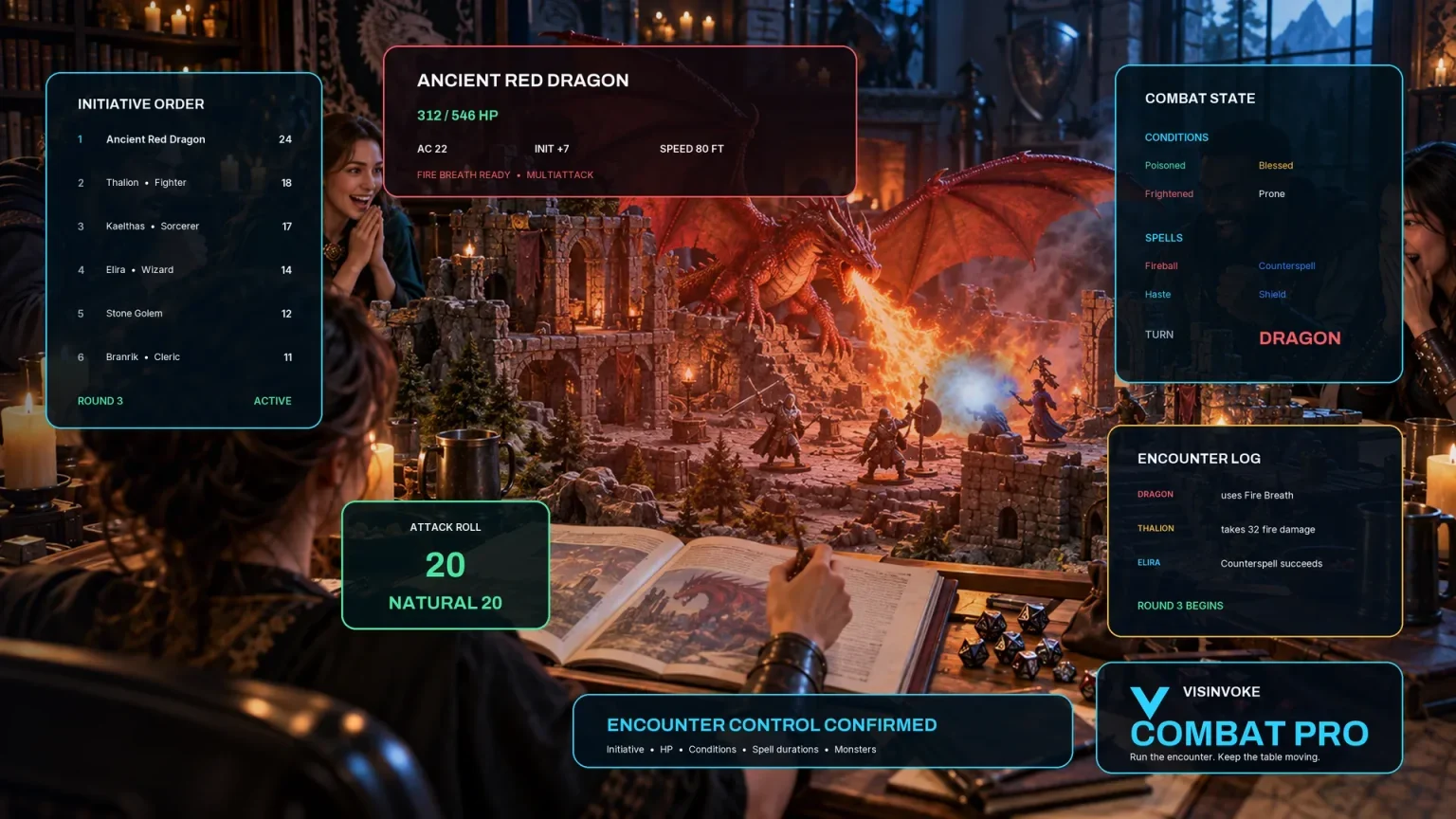
Review prepared opposition, tune creature statistics and run tabletop encounters with its own access.

Create focused character, monster, item and location images to complement your tabletop preparation.

Create guided commercial visuals for websites, brochures and wider creative projects.

Explore a separate futuristic RPG experience with its own world, characters and progression.
Product artwork illustrates boss encounter preparation, not application screens or actual generated image output.
Quick answers
Understand the workflow and its boundaries before opening the generator.
No. It prepares the encounter. Combat PRO owns live hit points, initiative, turns, phase activation and execution. The handoff creates a saved prepared encounter, not an active fight.
Quick exposes party size, tier, boss theme, difficulty and seed. Deep adds boss reference, phase count, solo or minions, arena context, damage theme, objectives and descriptive pressure choices.
Yes. Edit its name and ability fields, lock a phase or reroll one phase while retaining other phase records. Top-level material can regenerate, so review the boss profile and context. Changing phase count can remove a locked phase.
No. The source choice records a kind and name or reference; it does not retrieve an external monster or parse a stat block. The generated profile contains preparation values that need review against your chosen rules.
No. Validation checks phase order, descending thresholds, warning and counter text, arena-zone presence and victory text. It does not prove that a counter is reachable or calculate a balanced encounter for every party.
Create a free VISINVOKE account, then select Boss Encounter Generator individually at US$1.99/month or through an eligible selected-generator pack. Use Desktop Command Centre on Windows. Combat PRO and image-credit products have separate access.
Continue in VISINVOKE
Create a free VISINVOKE account and choose the required generator access.
Get Desktop Command Centre from your account installer page. Sign in on Windows, then open Boss Encounter Generator.